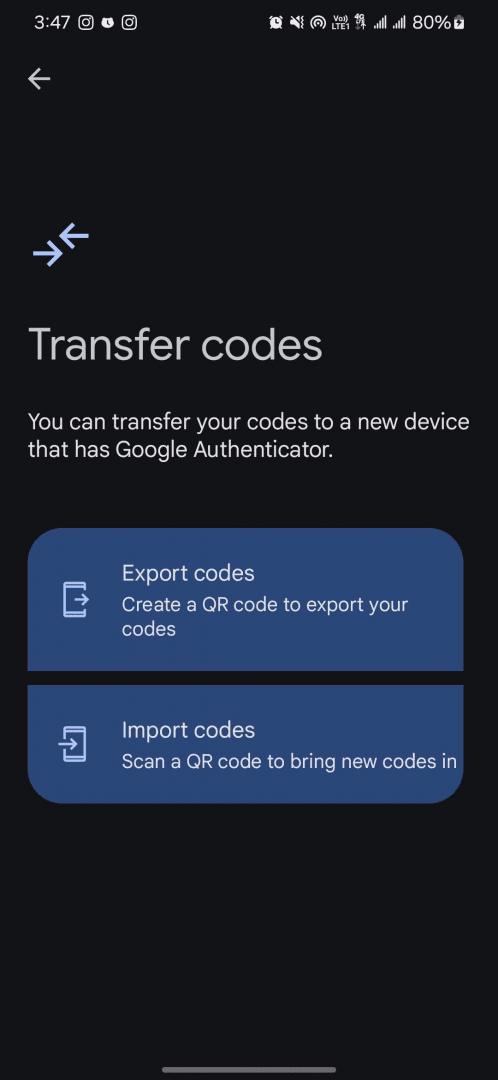
Google Authenticator is an application developed by Google that can generate and store your time-based, one-time passcodes (TOTP). If you didn't know already, TOTPs are the standard for today's online accounts, used to access your bank accounts, social media profiles, and many other digital services. Just like standard OTPs, a TOTP is an additional security step that can keep your accounts safe and secure from any unwanted actors.
What is Google Authenticator and how does it work?
Everybody knows about two-factor authentication (2FA). A lot of social media websites, banks, and institutions now offer an option for time-based one-time passcodes that you can use as the second layer of security instead of typical text messages or calls.
Google Authenticator generates and stores these TOTPs to ensure that you have your one-time passcodes in times of need, even when calls or texts are not working. It also eliminates the need for a working SIM card, especially if you are in another country where your primary network is not active.
Features of Google Authenticator
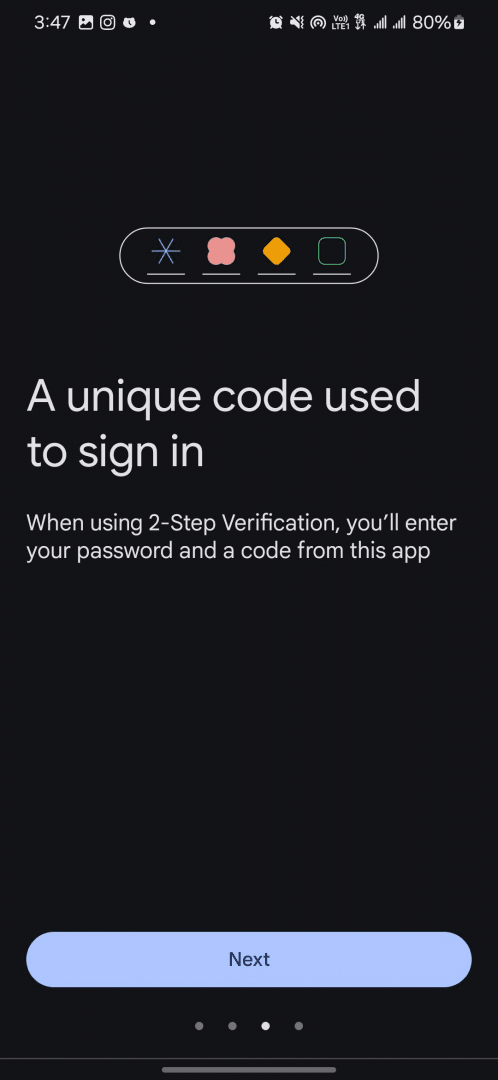
Once you have installed and set it up, you can add codes for various websites, apps, and services. These passcodes are generated for a limited time window (30 seconds) and automatically refresh right within the Authenticator. Here are a few key features:
- Generates 6-digit TOTP codes every 30 seconds
- Support for multiple accounts
- Works offline as well
- QR code scanning is available
- Works across multiple operating systems: iOS and Android
Simple and effective
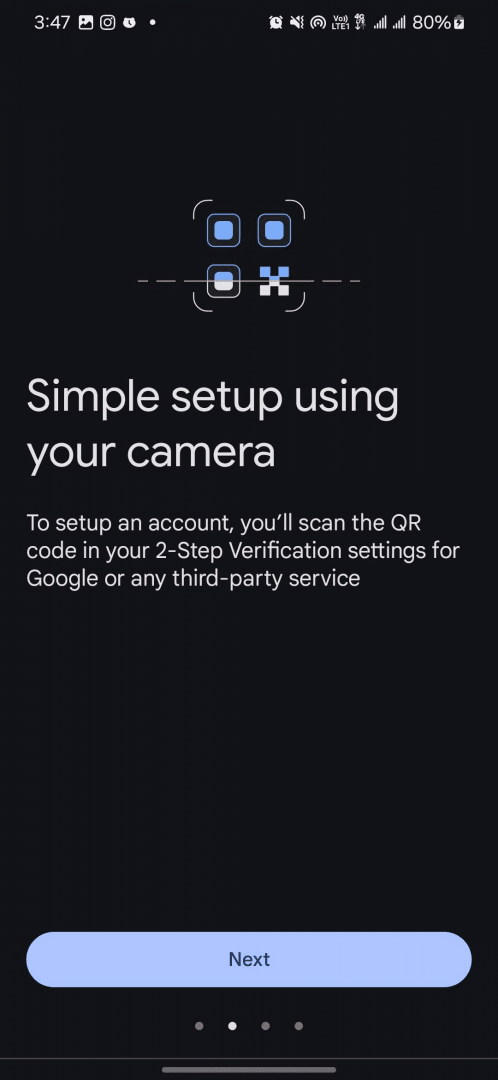
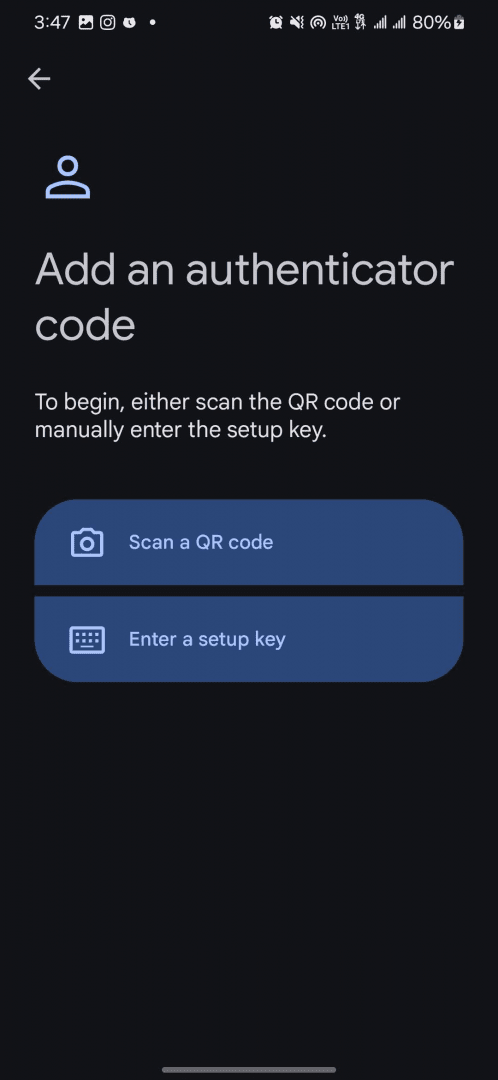
Google Authenticator is an incredibly simple yet effective app. You can add codes in the app using two ways:
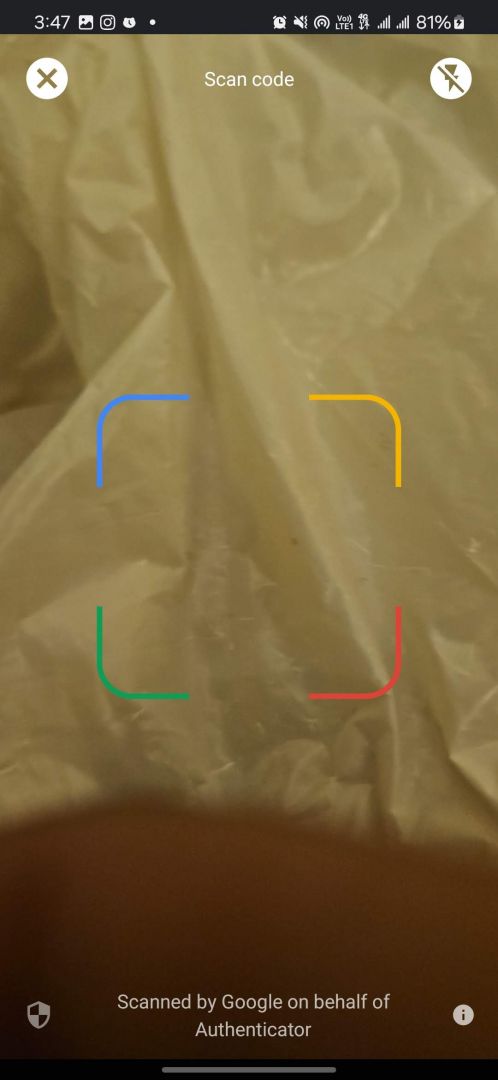
- QR code: You can scan a QR code using the camera within the app to add an account
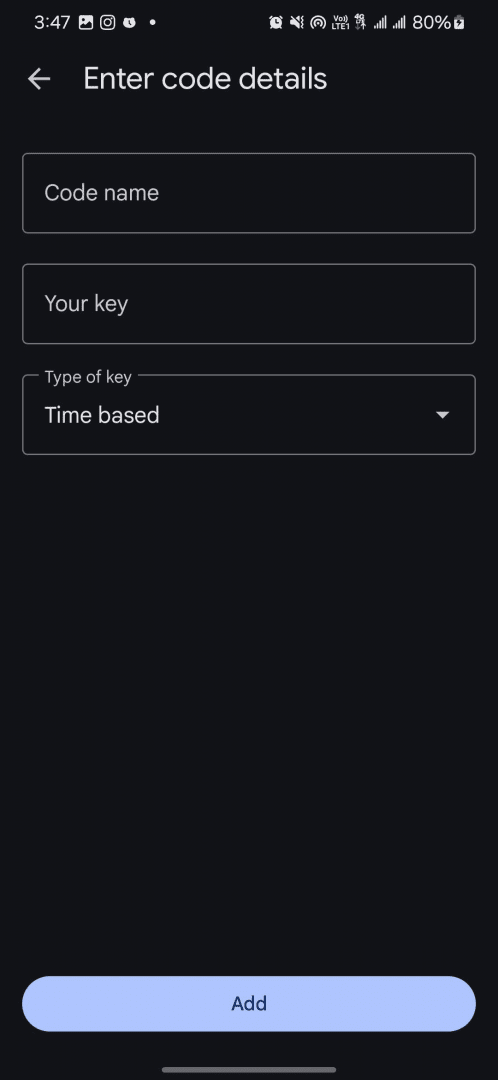
- Enter a setup key: If a QR code is not available or you can't use it, you can manually enter your key, its code name, and the type of key
Note: You will need to enable two-factor authentication (2FA) on your accounts before you can set up the codes on Google Authenticator. Once the code is added, it will start generating unique numbers that expire every 30 seconds.
Cloud backup is now available
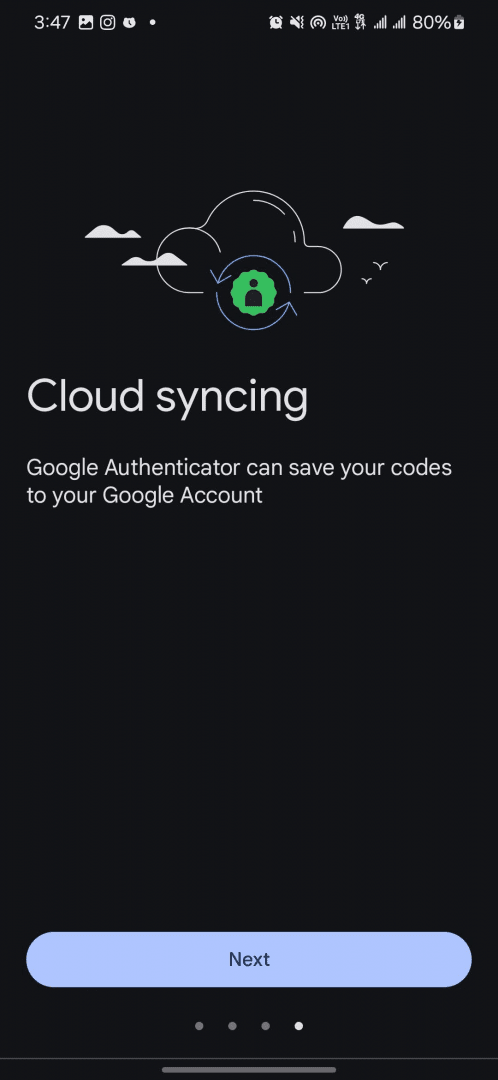
One of the best features of Google Authenticator that was only recently made available is the option for cloud backup. Now you can use your Google account to back up all the 2FA codes added in the Authenticator. If you change or lose your phone, you will still have access to your codes.
An essential security layer
Google Authenticator is a must-have application in today's connected world, as many of our social and banking accounts are highly sensitive. There are no security doubts since it comes directly from Google. Add an extra layer of security for all your accounts by using the Authenticator.